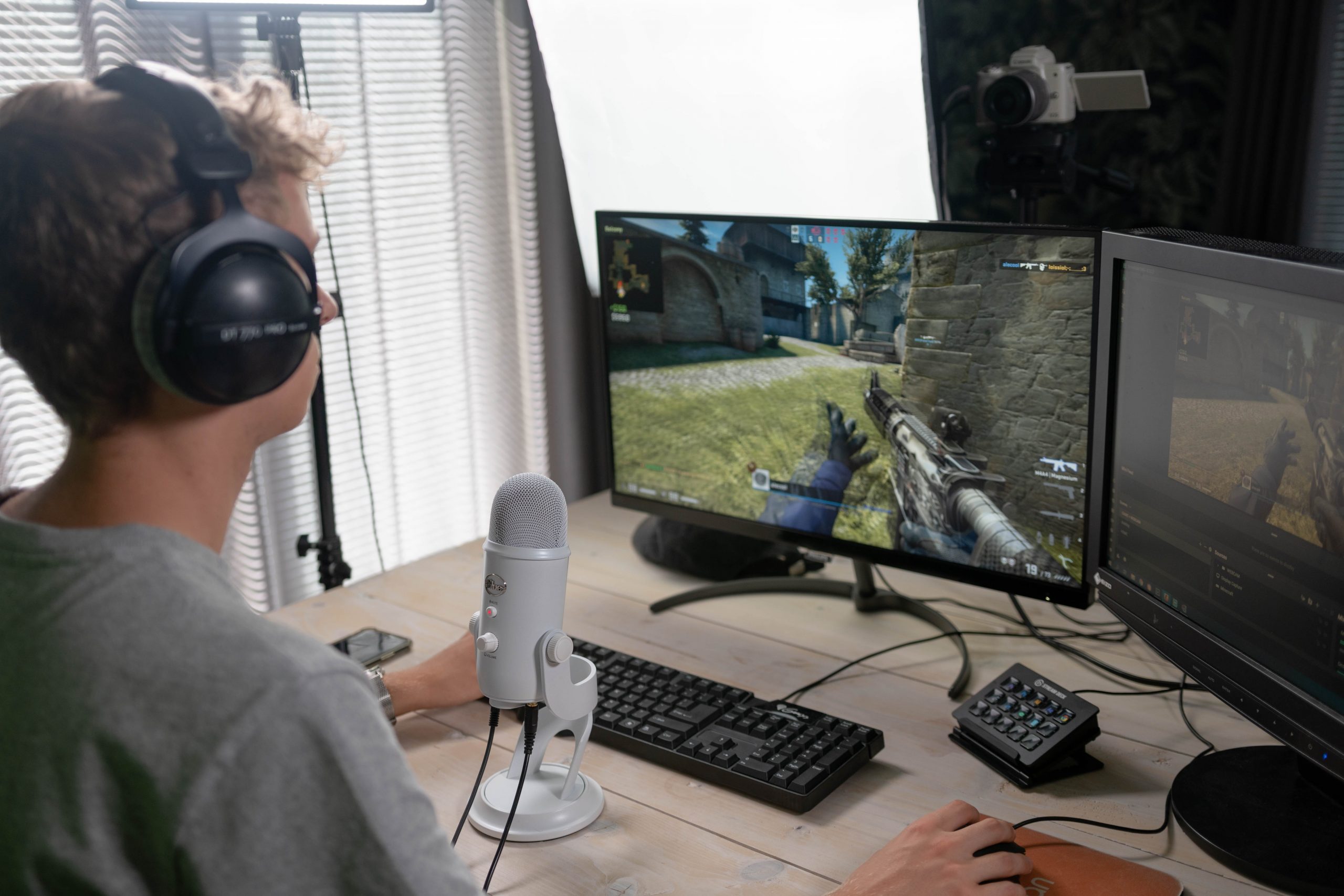
CSGO live stream has been a sensation all over the internet for the last few years.
It’s no wonder, given the immense popularity of the game itself.
However, if you’re new to the world of live streaming, it can be tricky to know where to start.
A lot of people are intimidated by the thought of streaming their gameplay live, but it’s really not that difficult.
In fact, once you get the hang of it, it can be a lot of fun.
That’s why we’ve put together this handy guide of 14 tips to help you get the most out of your CSGO live stream.
So if you’re ready, let’s jump straight in…
1. Choose the right platform
The first step is to choose the right platform for your CSGO live stream.
If you’re not sure where to start, we recommend Twitch.tv.
It’s by far the most popular live streaming platform for gamers, and it has a huge community of viewers and streamers.
In addition, Twitch.tv is easy to use and has a lot of great features for both streamers and viewers.
Twitch CSGO Live
2. Create an account and set up your channel
Once you’ve chosen the platform you’re going to use, the next step is to create an account and set up your channel.
This is relatively straightforward, but there are a few things you need to keep in mind.
First, choose a username that represents you and your brand well.
Your username is how people will find and identify you on the platform, so make sure it’s something catchy and easy to remember.
You should also take the time to write a brief description of your channel and what viewers can expect to see.
This will help attract viewers and give them an idea of what you’re all about.
3. Invest in some good quality equipment
If you want to produce a high-quality live stream, it’s important to invest in some good quality equipment.
The most important piece of equipment is a good quality webcam.
It’s also a good idea to invest in a microphone so that your voice comes through clearly on the stream.
And if you want to take your live stream to the next level, you can invest in a capture card so that you can record and stream gameplay from your console or PC.
4. Find the right software
Now that you have the hardware you need, it’s time to find the right software.
There are a few different options out there, but we recommend OBS Studio.
It’s free to use and it’s relatively easy to set up.
Plus, it has all the features you need to produce a high-quality live stream.
Counter Strike Live Stream
5. Test, test, test!
Before you go live, it’s important to test everything out and make sure it’s working properly.
This includes testing your microphone, webcam, and software.
You should also take the time to familiarize yourself with the platform you’re using and how everything works.
The last thing you want is to run into technical difficulties while you’re live.
So take your time and make sure everything is working the way it should.
6. Start small and grow your audience
When you first start streaming, it’s important to start small and gradually build up your audience.
Don’t try to go for the big time right away.
Instead, focus on producing high-quality content and building up a loyal following.
Once you have a solid base of viewers, you can start to think about expanding your reach.
7. Interact with your viewers
One of the best things about live streaming is the interaction with your viewers.
Don’t be afraid to talk to them and answer their questions.
In fact, the more you interact with your viewers, the more they’ll enjoy your live stream.
8. Make sure your audio is good
One of the most important things to focus on when live streaming is your audio quality.
If your audio is bad, it will reflect poorly on your live stream.
So make sure you have a good microphone and that your voice comes through clearly.
You should also avoid using background music unless it’s absolutely necessary.
Furthermore, try to keep your live stream as quiet as possible so that viewers can focus on the content.
Counter Strike Go Live Stream
9. Use high-quality visuals
Another important aspect of your live stream is the visuals.
If you’re using a webcam, make sure the image is clear and concise.
And if you’re using gameplay footage, make sure it’s high quality and doesn’t lag.
The last thing you want is for your live stream to look like a low-quality mess.
10. Keep your live stream interesting
No one wants to watch a boring live stream.
So it’s important to keep your live stream interesting by mixing up the content.
Try to vary your streams between gameplays, interviews, tutorials, and anything else you can think of.
The more interesting your live stream is, the more viewers you’ll attract.
11. Promote your live stream
In order to get viewers, you need to promote your CSGO live stream.
There are a few different ways you can do this.
In addition, you can post about your live stream on social media, forums, and other websites.
You can also use paid advertising to reach a wider audience.
And if you have a large following, you can encourage your viewers to share your live stream with their friends.
12. Use overlays and graphics
Overlays and graphics are a great way to make your live stream more professional.
There are a variety of different overlays and graphics you can use, so find ones that match your style.
You can also create your own overlays and graphics using Photoshop or another graphic design program.
CSGO Livestream
13. Be yourself
One of the most important things to remember when live streaming is to be yourself.
Don’t try to be someone you’re not.
Your viewers will appreciate your authenticity and it will make your live stream more enjoyable for everyone.
14. Have fun!
At the end of the day, live streaming should be fun.
If you’re not enjoying yourself, your viewers will be able to tell.
So relax and have a good time.
And if you make a mistake, don’t worry about it.
Your viewers will likely find it more endearing than anything else.
In Conclusion:
These are just a few tips to help you get started with CSGO live streaming.
Remember to start small, interact with your viewers, and use high-quality visuals.
And most importantly, have fun!
–The Zombie Writing Team